
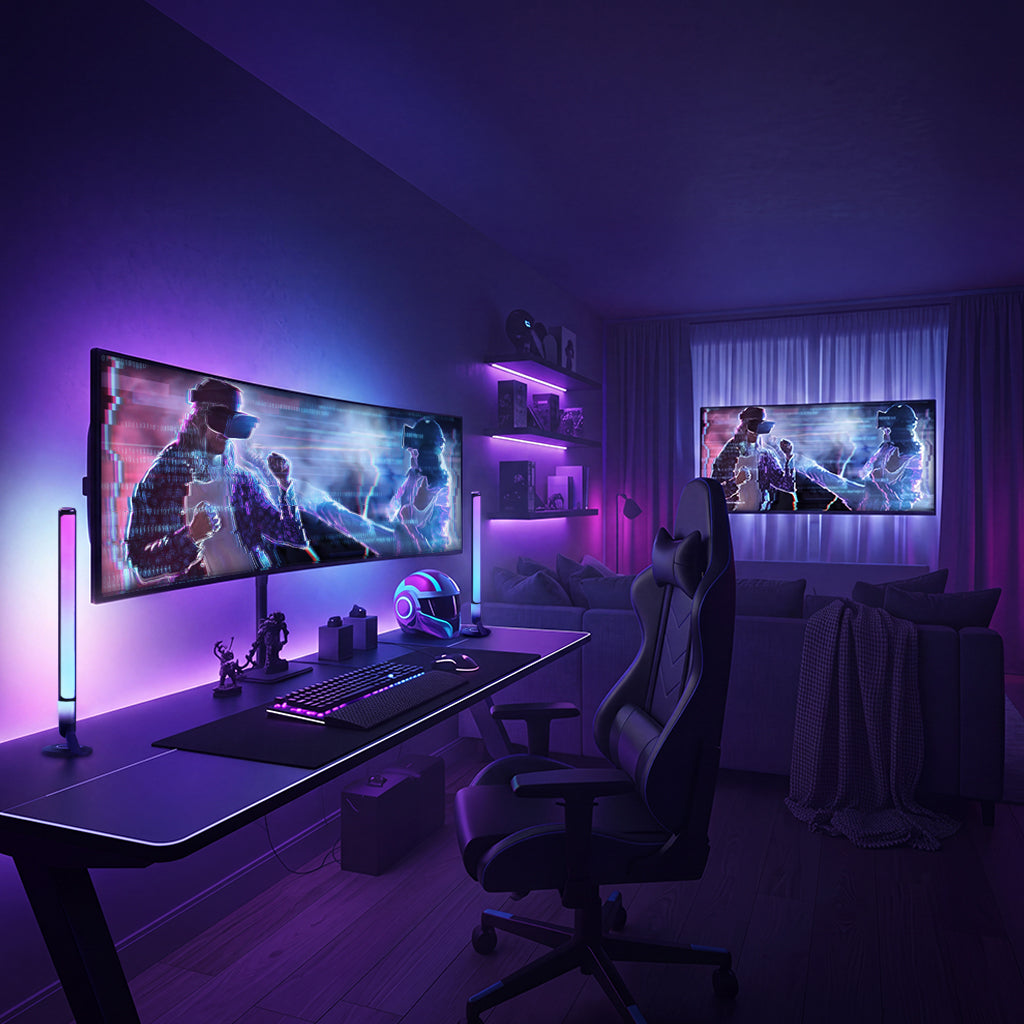
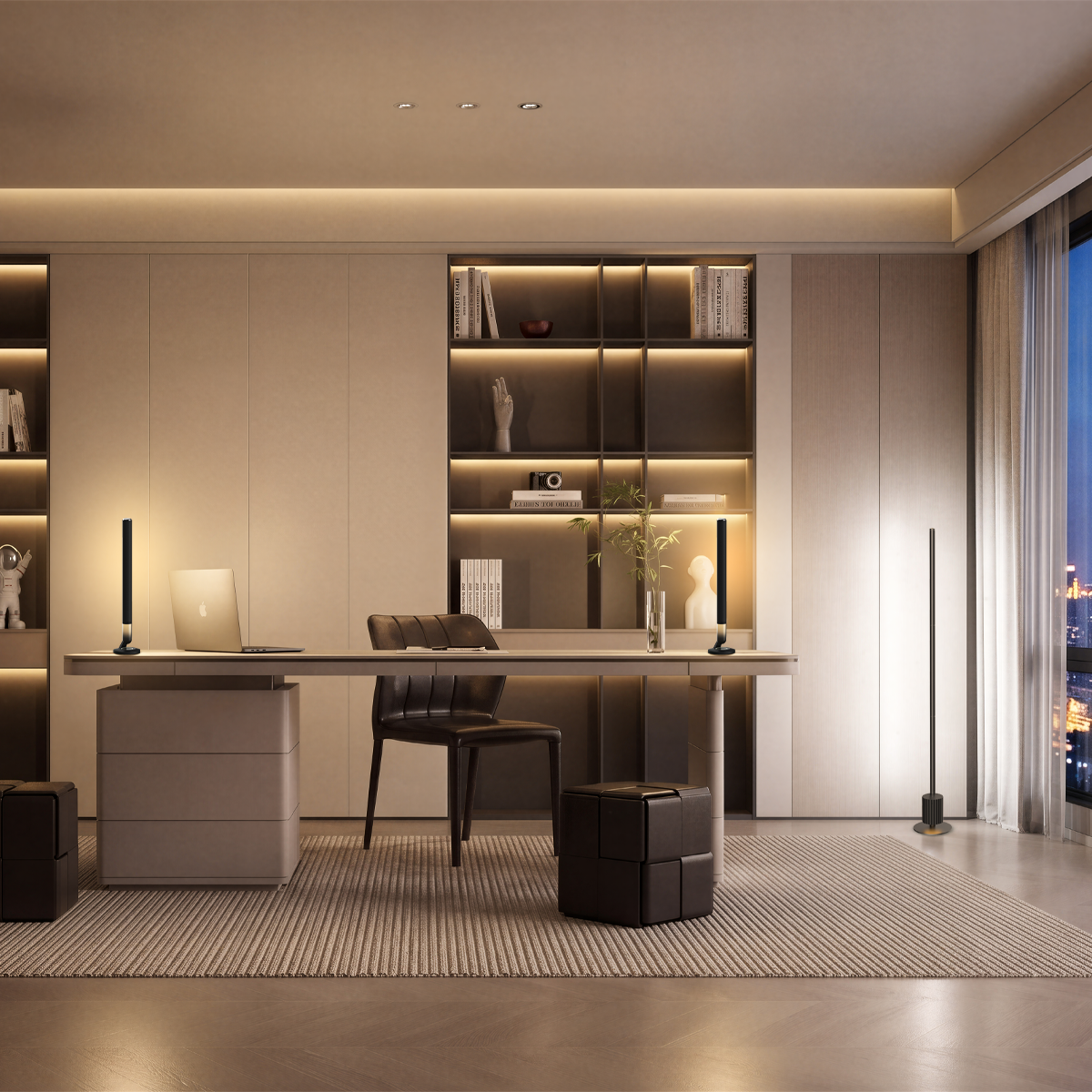
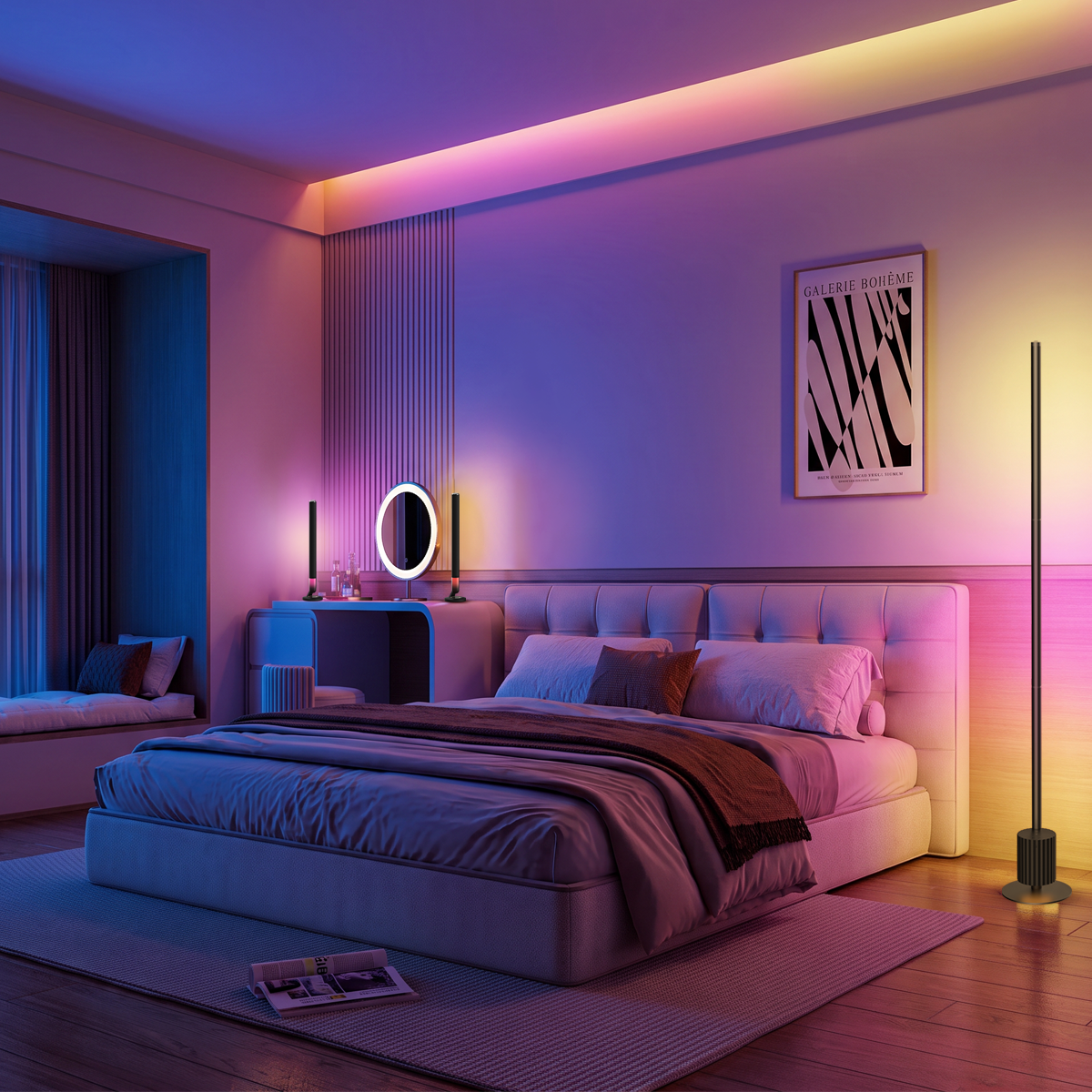
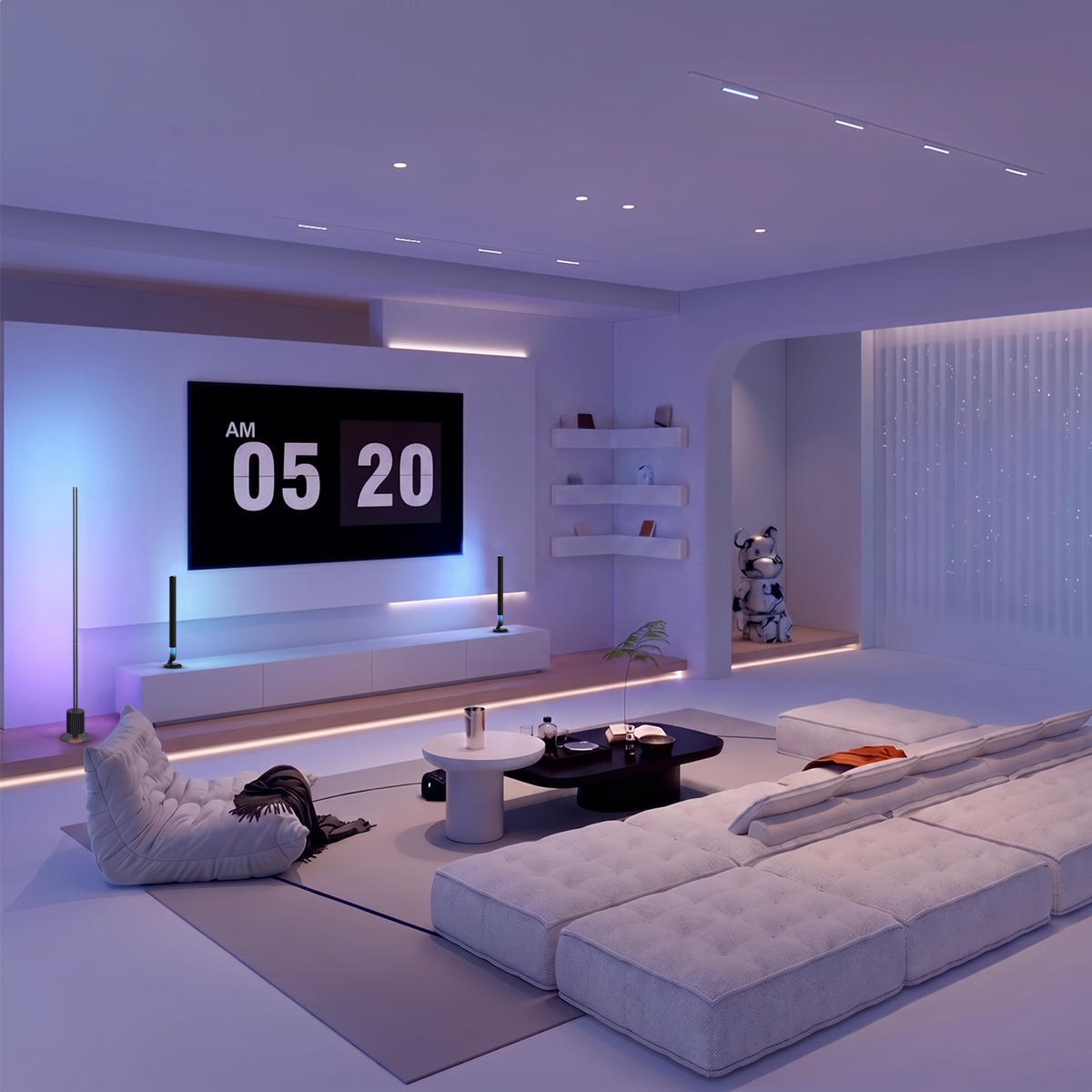
Game room lighting ideas can transform an ordinary gaming setup into a space that feels more immersive, personalized, and comfortable. From colorful RGB effects to subtle ambient lighting, the right choices can enhance your room without making it feel cluttered. This guide shows you how to arrange lighting around your setup, coordinate colors, and adapt the atmosphere to different games and room sizes.
Key Takeaways
- Layer your lighting: Combine a soft monitor backlight, useful desk illumination, ambient wall lighting, and a room-filling light source.
- Choose lights by placement: Light bars work well around monitors, while floor lamps can illuminate corners and nearby walls.
- Keep colors coordinated: Start with one main color and one supporting shade instead of displaying every RGB color at once.
- Use smart lighting selectively: Adjustable scenes, music sync, and independent color control can help you adapt the room to different activities.
- Upgrade gradually: Begin with the area around your screen, then add lighting where the room still feels dark or visually unbalanced.
What Is the Best Lighting for a Game Room?
The best game room lighting combines practical illumination with adjustable ambient lighting. Your screen should remain easy to see, your desk should have enough light for everyday tasks, and surrounding walls can carry the colors that give your setup its character.
A balanced gaming lighting setup usually includes four layers:
- Monitor backlighting: Adds a soft glow to the wall behind your screen.
- Desk lighting: Helps you see your keyboard, controller, and nearby accessories.
- Ambient lighting: Adds color and depth to walls or decorative areas.
- Room fill lighting: Brightens darker corners and makes the space usable beyond gaming.
You don't need a different fixture for every layer. Depending on its placement and lighting capabilities, one smart light may contribute to more than one.
For a room that doubles as a home office or bedroom, adjustable brightness and white light are particularly useful. You can keep the lighting neutral while working and switch to colorful scenes when it's time to play.
5 Game Room Lighting Ideas by Placement
Once you know what each lighting layer should do, the next step is choosing where to place it. Different areas of your gaming room need different types of light, from a soft glow behind the monitor to ambient lighting that reaches beyond your desk.
Use the following placement guide to match each area with a suitable fixture.
|
Placement |
Lighting purpose |
Recommended fixture |
|
Behind the monitor or TV |
Reduce the contrast between a bright screen and dark surroundings |
LED light bars or backlight strips |
|
Beside the gaming desk |
Add adjustable color and supplementary illumination |
RGB light bars or desk lights |
|
Along the walls |
Create ambient color and visual depth |
Wall washers or LED strips |
|
In a room corner |
Add broader illumination and color to nearby surfaces |
Smart RGB floor lamp |
|
Around display shelves |
Highlight collectibles and gaming accessories |
Compact LED strips or accent lights |
Behind the Monitor: Soft Backlighting for a Balanced Setup
Bias lighting is a soft light source behind your screen that gently illuminates the surrounding wall. It can make the contrast between a bright display and a dark room less noticeable, creating a more comfortable viewing environment.
If you're adding just one light to your gaming setup, monitor backlighting is a practical place to start. Keep the light soft and neutral during longer sessions.
Aim the light toward the wall rather than your eyes or the screen. A subtle glow around the monitor is enough. Save animated RGB effects for other parts of the room if changing colors behind the screen becomes distracting.
Console players can use the same approach behind a TV, creating a softer background for gaming in the living room.
On the Desk: Compact Light Bars for Ambient Color
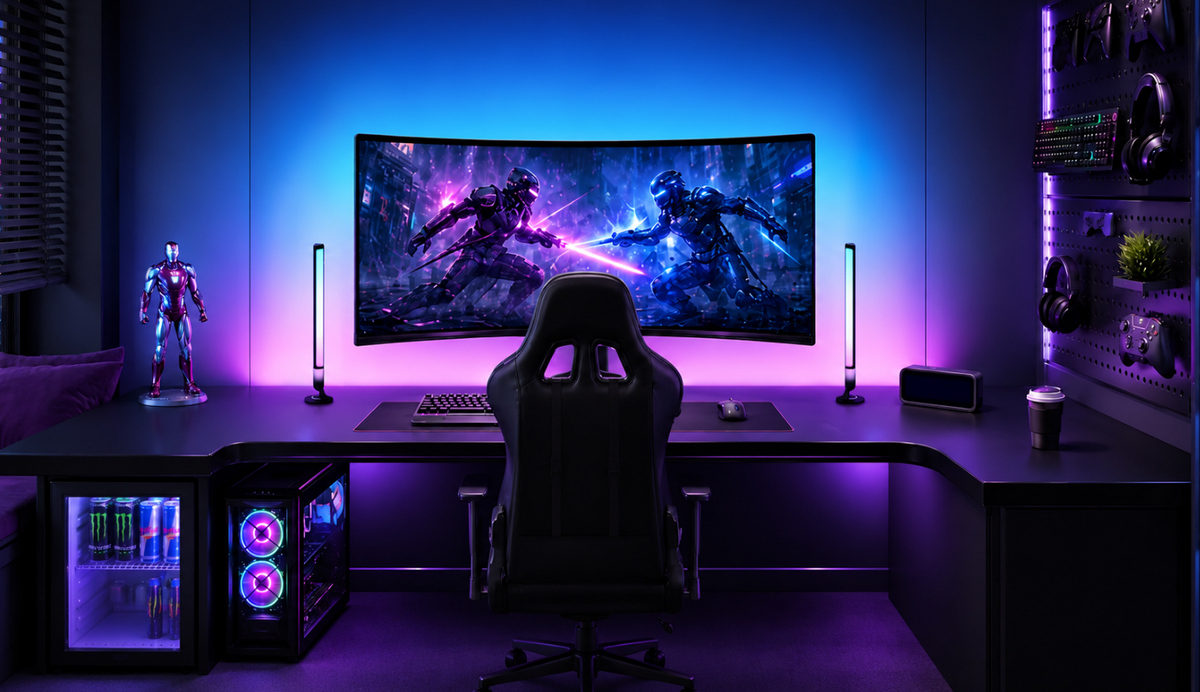
The desk is the focal point of most RGB gaming setups. Good lighting should make the space comfortable to use while adding color around your monitor. Light bars placed beside or behind the screen can provide indirect illumination and colorful accents without taking up much desk space. If you also read, write, or work at the desk, keep a separate task light for direct illumination.
The Nova Desk Light Bars Pro features two segmented RGBWIC light bars that display multiple colors and customizable gradients. With over 100 preset scenes and 10 music modes, you can switch between subtle ambient lighting and more dynamic effects for gaming or entertainment.
The light bars connect through 2.4GHz Wi-Fi and Bluetooth and support control through the Nurmina App, Amazon Alexa, Google Assistant, and compatible Matter platforms.
Place the bars on either side of your monitor for a symmetrical glow, or position them behind the screen for softer backlighting. Either arrangement adds color to your gaming desk without taking up much space.

On the Walls: Ambient Color Wash
Walls are a great place to add ambient lighting without crowding your gaming desk. Wall washers, LED strips, or vertical light bars can spread color across a blank surface, adding depth and creating a backdrop for your setup.
Keep the lighting at a comfortable brightness so it complements your screen rather than competing with it.
Choose the wall behind or beside your setup based on your seating position and room layout. Lighting one wall consistently often creates a more cohesive look than spreading different colors across every surface.
If you stream, consider how the wall appears on camera. A consistent background color can give your setup a recognizable look without distracting viewers from your gameplay.
In the Corner: Whole-Room Fill Light
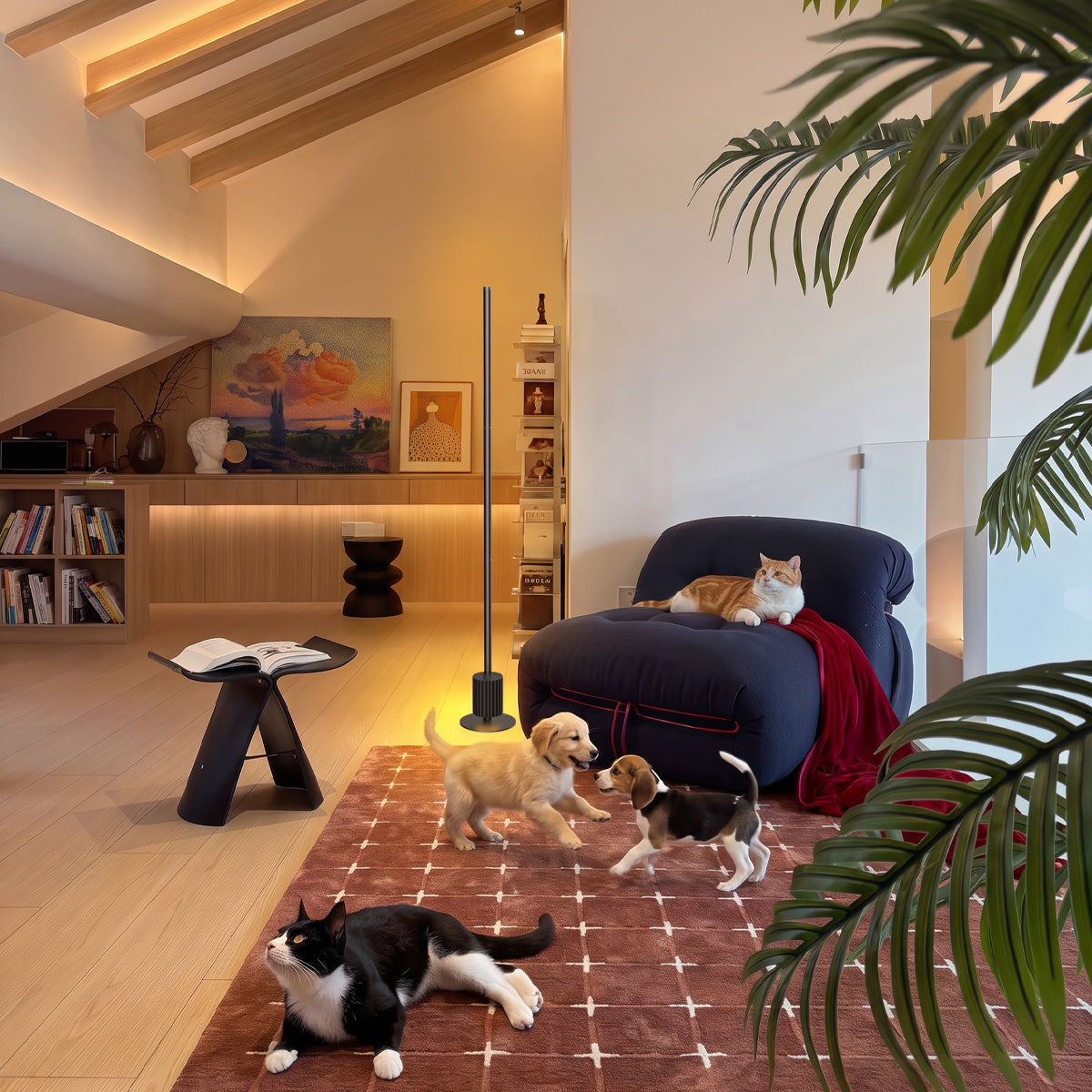
A floor lamp in an empty corner can help illuminate areas beyond your gaming desk. It can also add color to nearby walls and ceilings, making the entire room feel more connected.
The Nova Floor Lamp Pro is built for this corner role. It features a 51.2-inch (1.3 m) RGBWWIC light column with three lighting sections. The upper section directs light toward the ceiling, the middle creates colorful gradients, and the lower section casts light toward the floor. Its adjustable white light ranges from 2700K to 6500K, making it useful for both gaming and everyday activities.
With over 100 preset scenes, 10 music modes, and support for the Nurmina App, Alexa, Google Assistant, and Matter, you can adjust the atmosphere without moving between multiple lighting controls.
Place the lamp where its light can spread across nearby surfaces without shining directly into your eyes. This adds a softer glow to the surrounding space while keeping the main screen in focus.

Around Your Collection: Small Display Highlights
Shelves of consoles, figures, and game boxes deserve their own light. Short accent strips or small puck lights inside a cabinet turn storage into a gallery and add a warm sparkle behind your main setup.
Keep these subtle. A gentle glow behind your collection reads premium; a strobing shelf reads chaotic.
This position also doubles as a night light for the room. Leave the shelf glow on at low brightness when the main lights are off, and the space stays navigable without breaking the mood.
6 Game Room Color Schemes You Can Copy Tonight
Once your lights are positioned, choosing a consistent color palette can make a bigger difference than adding another fixture.
These six gaming room lighting ideas work with many types of adjustable LED lights. Start with a primary color, introduce a supporting shade, and keep a portion of the room in neutral or warm lighting for balance.
|
Color scheme |
Suggested colors |
Best suited for |
|
Cyberpunk |
Electric blue + magenta |
Futuristic games and vibrant RGB setups |
|
E-Sports |
Cyan + neutral white |
Minimal gaming desks and streaming setups |
|
Warm Ember |
Amber + soft orange |
Cozy gaming rooms and story-driven games |
|
Stealth Red |
Deep red + low warm white |
Dark-themed setups and atmospheric games |
|
Deep Sea |
Teal + muted green |
Exploration games and relaxing sessions |
|
Clean Focus |
Neutral white + subtle blue accents |
Shared gaming and workspaces |
Cyberpunk: Electric Blue and Magenta
Use electric blue behind the monitor and magenta on a side wall or floor lamp. The contrast creates a vivid look that suits futuristic games and RGB-heavy desk setups. Keep one color noticeably brighter than the other so the room has a clear focal point.
E-Sports: Cyan and Neutral White
For a cleaner gaming setup, use neutral white around your desk and a restrained cyan accent behind the monitor. This combination works well if you prefer a modern gaming aesthetic without filling the room with saturated colors.
Warm Ember: Amber and Soft Orange
Warm amber and orange lighting creates a relaxed atmosphere for story-driven games, retro gaming, or evening couch sessions. A corner floor lamp can provide the main warm glow, while subtle accents around the desk maintain the same palette.
For a starting point, place your floor lamp in a corner slightly behind your monitor, directing the light toward the wall. Set it to a warm white around 2700K at roughly 40% brightness, then adjust the intensity to suit your room and screen.
Stealth Red: Deep Red and Warm White
Deep red adds a dramatic look to dark-themed gaming rooms. Keep the red lighting on the walls or display shelves, and maintain some comfortable neutral illumination near your desk. A completely red room may make everyday tasks and color-sensitive work harder.
Deep Sea: Teal and Muted Green
Combine teal behind the screen with a muted green wash along a side wall. This palette works well for exploration games and nature-inspired setups. Lower brightness can help maintain a calmer appearance during longer sessions.
Clean Focus: Neutral White With Subtle Accents
If your gaming desk doubles as a workstation, a simple neutral white scheme offers flexibility. Use adjustable white lighting for work and introduce a small amount of blue or another accent color when gaming. The result feels coordinated without requiring a complete lighting change.
These six color schemes offer a starting point, but you might have a favorite game scene, wallpaper, or photo with colors you'd like to bring into your room. Instead of matching those shades manually, you can use the image-to-light feature in Nurmina's gaming and entertainment lighting to generate a lighting scene inspired by your image. Then adjust the colors and brightness to suit your setup.
Game Room Lighting Mistakes to Avoid
Even a well-equipped gaming room can feel too dark, overly bright, or visually cluttered if the lights aren't arranged properly. Avoid these three common mistakes before adding more fixtures to your setup.
Mistake 1: Relying Only on LED Strips
LED strips work well for ambient lighting, but decorative strips behind furniture may not provide enough light for your desk or the rest of the room. Add a desk light or floor lamp where you need more illumination instead of installing more strips.
Mistake 2: Using Harsh Overhead Lighting
A bright ceiling light can create screen reflections and overpower your RGB lighting. Try dimming it or combining it with softer gaming room lights at different heights. Position lights away from your direct line of sight to reduce glare.
Mistake 3: Using Too Many Colors at Once
Mixing several bright colors and fast-changing effects can make your gaming setup feel cluttered. Choose one main color and a complementary shade, then adjust the brightness to keep the atmosphere balanced. Save animated effects for moments when you want a more energetic look.
How to Upgrade Your Gaming Lighting Step by Step
You don't need to buy every type of gaming light at once. Start with what your setup is missing, prioritize the areas you use most, and add new fixtures only when they serve a clear purpose.
Step 1: Improve Your Existing Desk Lighting
Check whether your monitor area and desk have enough comfortable illumination. If the wall behind your screen is completely dark, start with a simple backlight or adjustable RGB light bars. Reposition any LED lights you already own before purchasing more.
Step 2: Add Lighting Where the Room Still Feels Dark
Once your desk is covered, look at the surrounding space. A floor lamp is worth considering if your gaming room needs broader illumination, especially when it doubles as a bedroom or entertainment area. Otherwise, inexpensive accent lighting may be enough for shelves or walls.
Step 3: Choose Smart Features You'll Actually Use
If you frequently change between gaming, working, and relaxing, prioritize lights with adjustable scenes and convenient controls. Check compatibility with your existing smart home setup before buying additional devices. Features such as music sync and multi-zone colors are useful upgrades, but they don't have to be part of your initial setup.
Conclusion
The best game room lighting ideas start with your space and how you use it. Balance practical illumination with ambient color, choose lighting that suits your setup, and expand only where needed. With adjustable RGB effects and smart controls, you can create a gaming room that works just as well for everyday use as it does for immersive gaming sessions.
FAQs
What Type of Lighting Is Best for a Game Room?
A combination of functional and ambient lighting works best. Use soft monitor backlighting, sufficient desk illumination, and adjustable RGB lights for surrounding walls. The exact setup depends on your room size, screen placement, and whether you use the space for activities beyond gaming.
Which Color Light Is Best for a Gaming Room?
Blue and purple are popular for futuristic RGB setups, while amber and warm white create a more relaxed atmosphere. There's no single best color for gaming. Choose colors that complement your room and keep the brightness comfortable, especially during longer sessions.
How Can You Light a Small Gaming Room Without Making It Feel Crowded?
Use compact light bars behind your monitor and place LED strips along existing furniture to save space. Focus on one wall rather than filling every corner with lights. If you need more room illumination, a slim floor lamp can brighten an unused corner without taking up much floor space.
Can Gaming Lights Sync With Game Audio?
Yes, gaming lights with music synchronization can respond to audio, creating dynamic effects during gameplay or music playback. However, audio-reactive lighting is different from screen color synchronization. Check which modes your lights support and whether they require a microphone, app, or additional equipment.
Can You Control Multiple Gaming Lights With One App?
Yes, if the lights belong to a compatible smart lighting system. For example, compatible Nurmina smart lights can be managed through the Nurmina App, allowing you to adjust supported settings without operating each fixture separately. Available group controls and automation options depend on the specific models and app features.