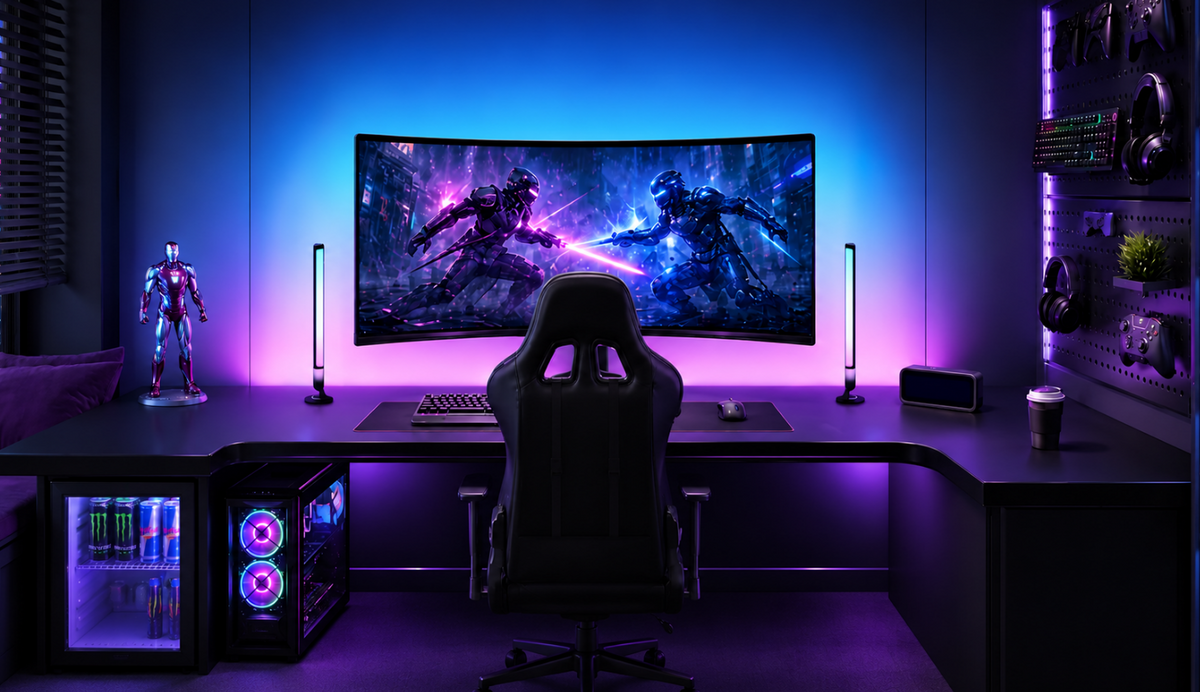
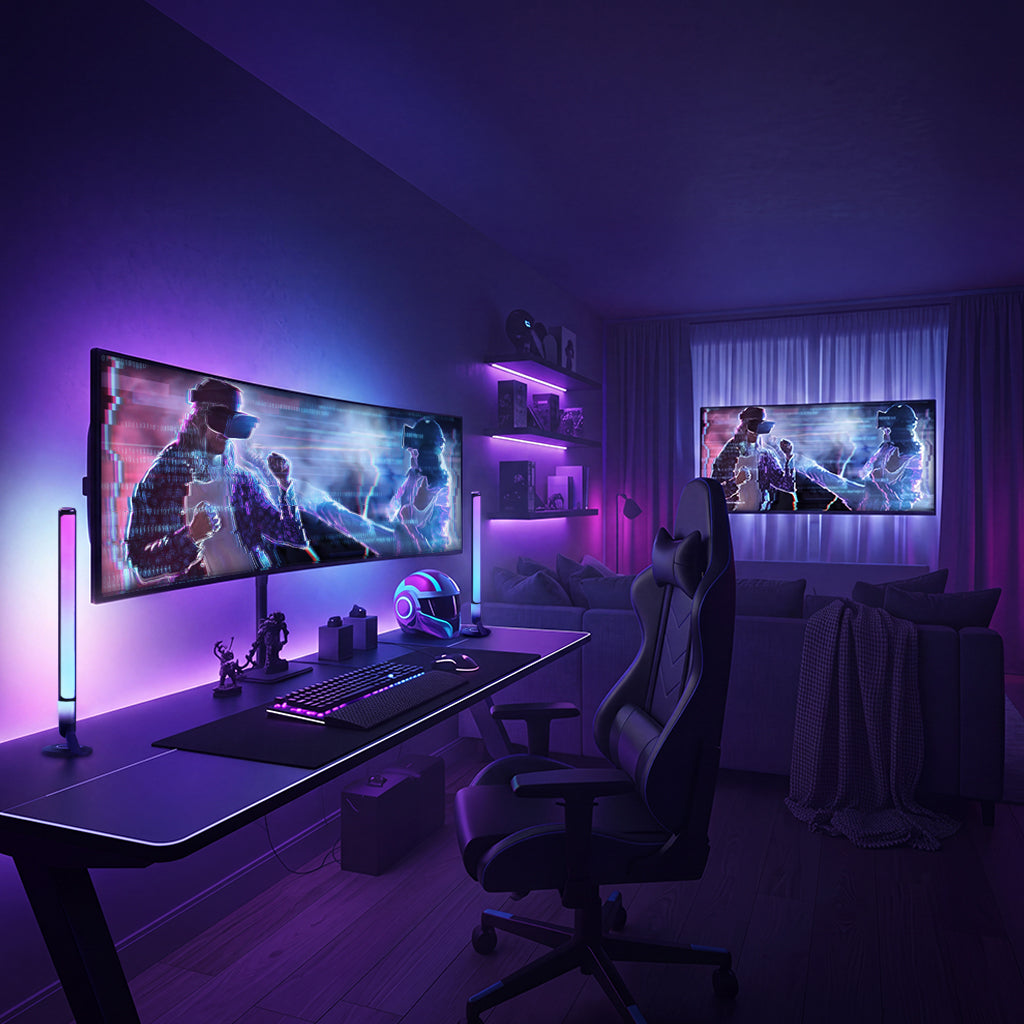
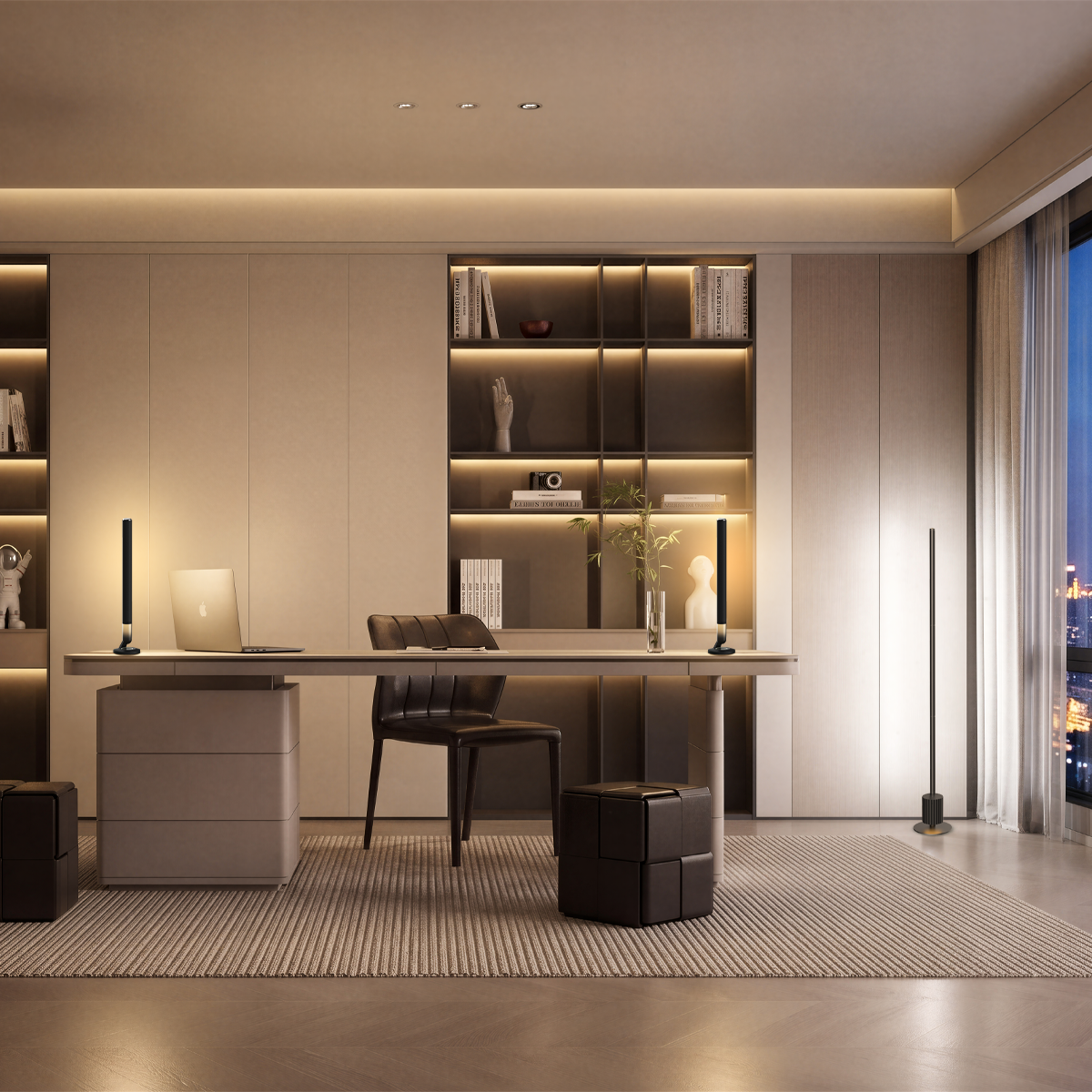
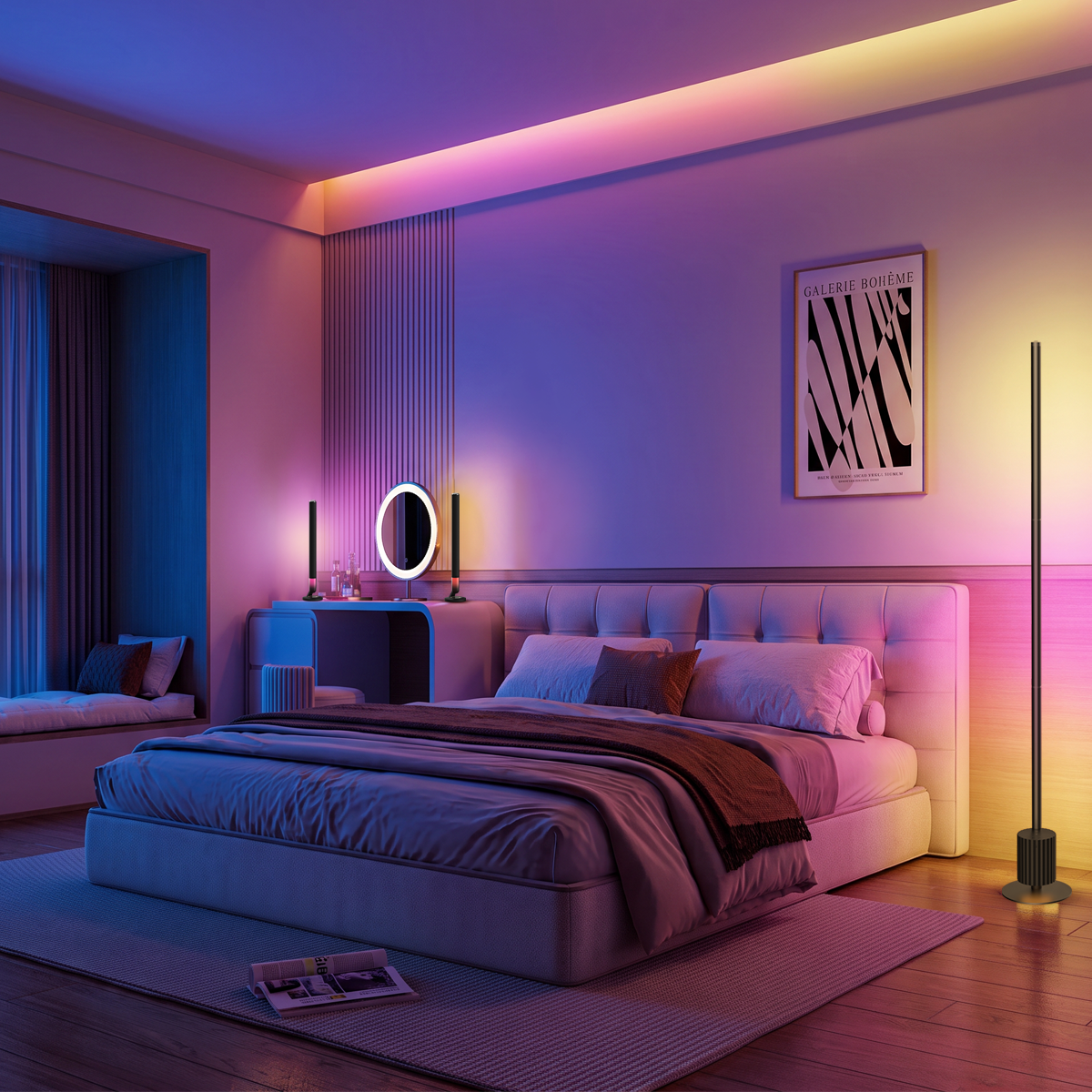
Lights that sync to music pulse, change colors, and respond to the beat, turning your gaming setup, living room, or bedroom into a more immersive space. They detect audio through microphones, apps, or compatible audio connections. This guide explains how music sync works, which types of lights suit different spaces, and how to set them up for the best effect.
Key Takeaways
- Music sync lights respond to audio by changing brightness, colors, or lighting patterns.
- Different systems use microphones, phone apps, music service integrations, or external sync hardware.
- LED strips, light bars, floor lamps, and smart bulbs create different effects depending on their placement.
- Check audio compatibility, music modes, RGBIC color control, and connectivity before choosing.
- Proper audio input, placement, and sensitivity settings can help resolve common music-sync problems.
What Are Lights That Sync to Music?
Lights that sync to music are LED lights with a built-in music mode that lets them respond to sound. Depending on the design, some lights change color together, while others create different effects along the same strip. For example, RGBIC strip lights can display several colors at once, giving you a more layered look across a wall or desk.
One thing to check when choosing your lights is the difference between music sync and screen sync. Music sync follows the sound of your songs, while screen sync matches the colors or visuals on your TV or monitor. A light that supports music sync won't necessarily offer screen sync, so it's worth checking the features before you buy.
How Do Lights Sync With Music?
Music-sync lights turn sound into lighting effects through three basic steps:
1. Capture audio: A built-in microphone, compatible phone app, or supported music service picks up the music.
2. Analyze sound: The system detects changes in volume, rhythm, or frequency, such as a strong bass beat or a quieter passage.
3. Create lighting effects: The lights respond with flashes, color changes, pulses, or moving patterns.
The audio input depends on the lighting system. For example:
- Built-in microphone: Picks up music from nearby speakers. It's convenient for living rooms and bedrooms but may also react to conversations or background noise.
- Phone app: Uses a supported audio input, such as your phone's microphone, to detect music playing nearby.
- Music service integration: Connects with a supported music platform or software integration to control compatible lighting effects.
- External sync device: Processes audio from compatible entertainment equipment. Some HDMI systems also support screen-based lighting, which is different from music synchronization.
These audio-input methods vary by system. A light that supports one method may not support the others, so check the specific model rather than assuming it works with every music source.
One thing to remember: Bluetooth and Wi-Fi usually handle connections and lighting controls. Pairing your phone with a light doesn't automatically mean the light can access the music playing on it.
What Types of Music-Sync Lights Work Best for Different Spaces?
Music-sync lighting comes in several forms, including LED strips, light bars, floor lamps, and compatible smart bulbs. The table below compares their typical uses. Nurmina’s Nova range includes desk light bars and floor lamps for indoor ambient lighting
|
Type of Light |
Suitable Home Spaces |
Typical Use |
|
LED Strip Lights |
TV rooms, media rooms, bedrooms |
Add continuous background color behind TVs, under shelves, or along furniture edges. |
|
Smart Light Bars |
Gaming rooms, home offices, desk setups |
Create localized ambient lighting beside monitors or on entertainment shelves. |
|
Music-Sync Floor Lamps |
Living rooms, open-plan spaces, entertainment areas |
Add vertical color effects beside sofas or across open walls. |
|
Smart Bulbs |
Bedrooms, dining areas, small living rooms |
Add music-responsive lighting to compatible existing lamps and fixtures. |
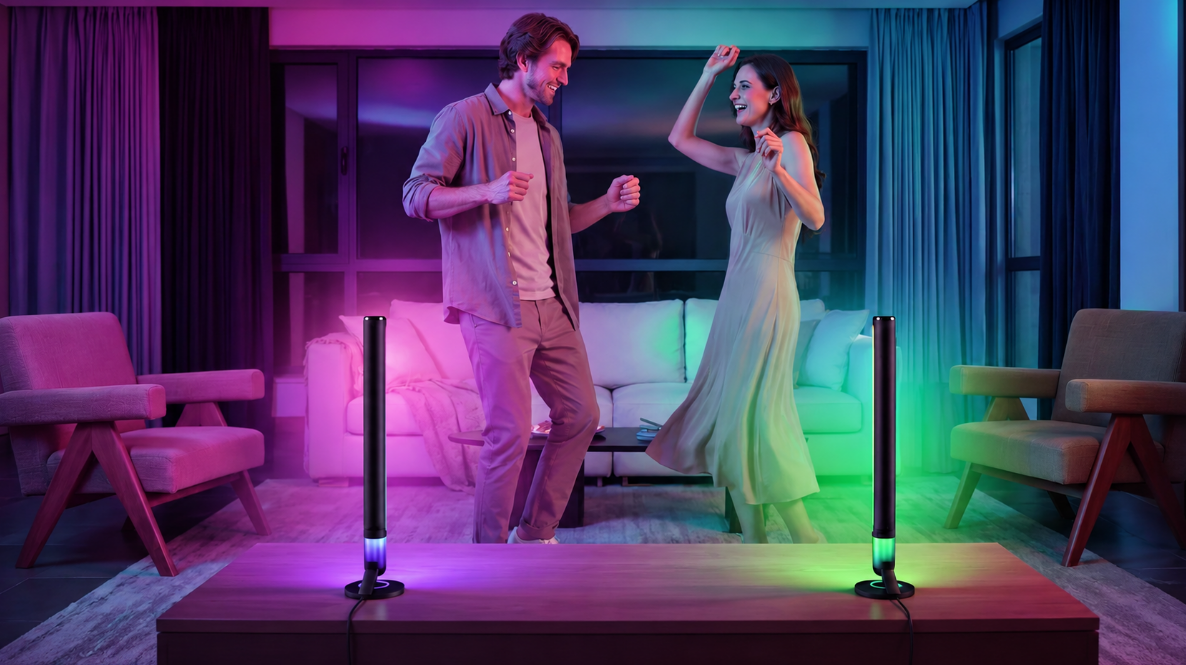
A gaming desk or home office can benefit from lighting that adds color around the monitor without taking up much workspace. The Nurmina Nova Desk Light Bars Pro offers segmented RGBWIC lighting, 10 music modes, and more than 100 preset scenes. Place the two bars on either side of the monitor and angle them toward the wall to create changing background colors.

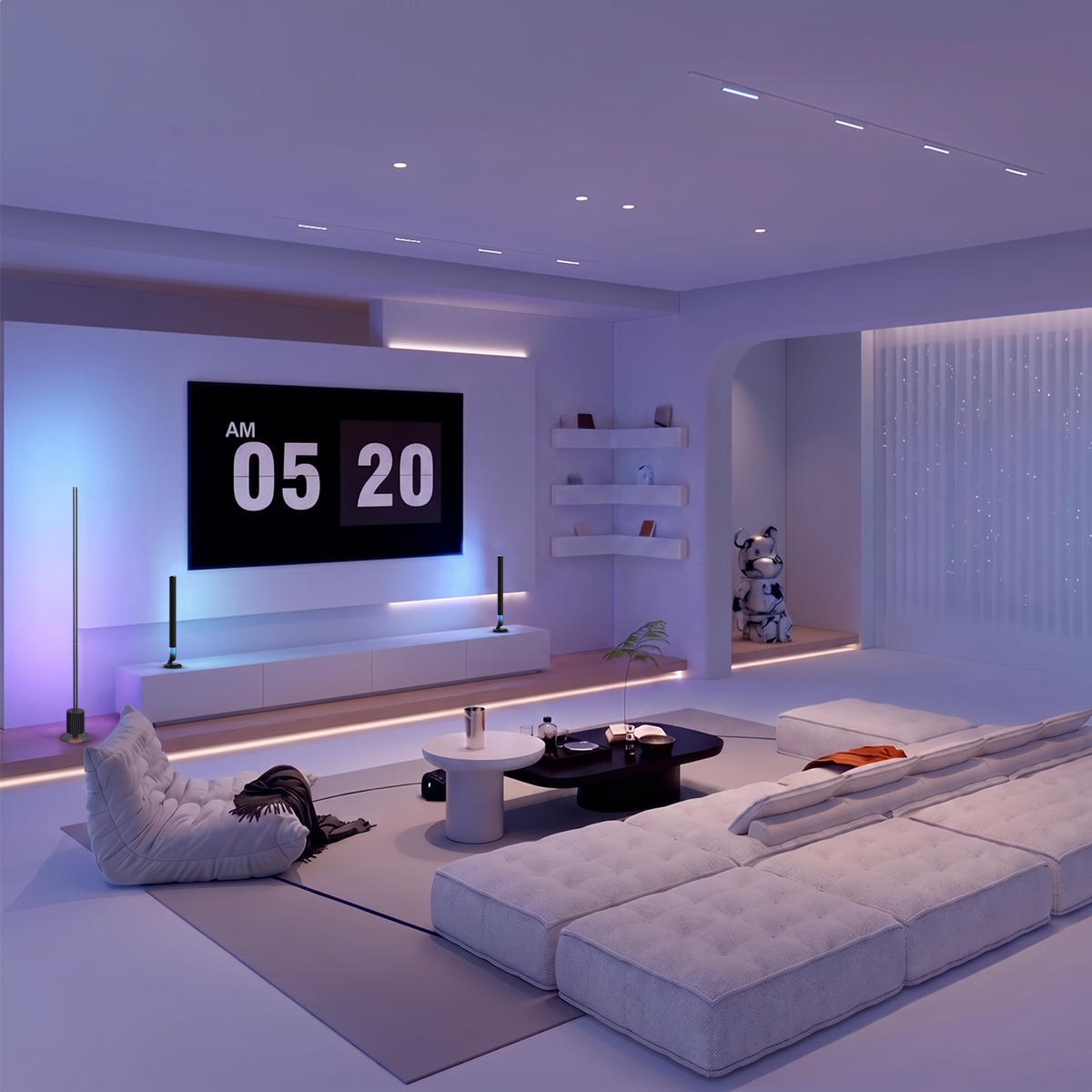
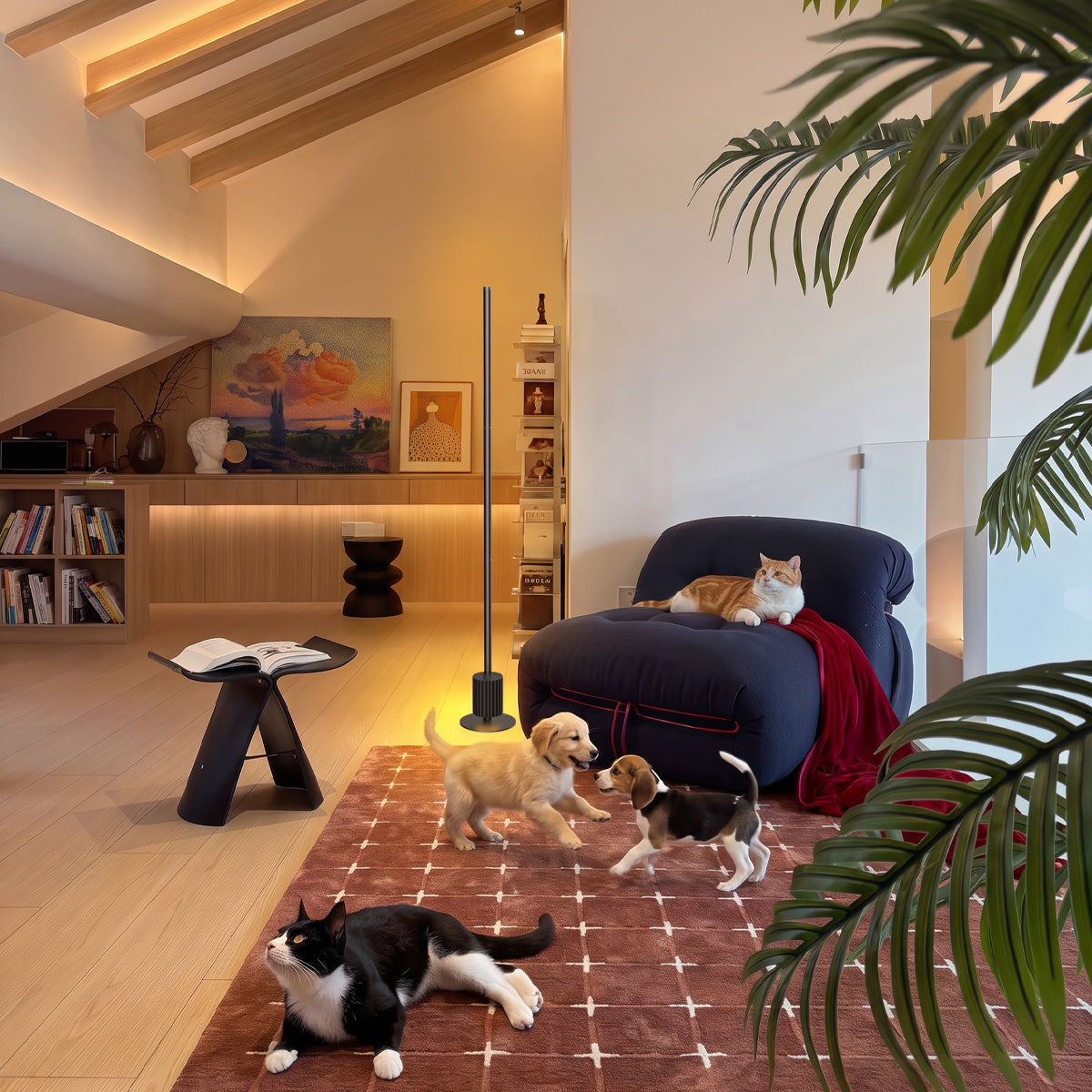
In a living room, a vertical light source can make the effects more visible across an open wall. The Nurmina Nova Floor Lamp Pro features triple-zone RGBWWIC lighting, 10 music modes, and adjustable music-response sensitivity. Position it beside a sofa or in an unobstructed corner to spread color across the surrounding area.

The best setup doesn't necessarily need several fixtures. Start with the area where you listen to music most often, then choose a light that complements the existing furniture and available space.
What Should You Look for When Choosing Music Sync Lights?
Once you know which type of light fits your room, think about how you usually listen to music and how you want the lighting to respond. A setup for weekend gatherings may need different features from one you use for quiet evenings in the bedroom.
Audio Input Compatibility
Start with how you play music at home. Do you usually use a Bluetooth speaker in the living room, play music through your computer, or listen with headphones in the bedroom?
Lights with built-in microphones can pick up music from nearby speakers, but they may also react to conversations, TV sounds, or other background noise. If you usually wear headphones or want lights to respond directly to music playing on your computer or through Spotify, check whether the product supports that audio source.
Music Modes and Response Controls
Think about the kind of atmosphere you want to create. Faster color changes may suit a weekend party or an upbeat playlist, while slower pulses can feel more appropriate during dinner or a quiet evening at home.
Check whether the lights offer different music modes and adjustable sensitivity. This gives you more control over how strongly they react, especially when music is playing alongside conversations or other household sounds.
RGBIC Color Effects
Consider whether you want the whole light to change color together or prefer different colors across separate sections. With a single-zone RGB light, the controlled section displays one color at a time. Segmented RGBIC lighting allows multiple sections to show different colors simultaneously.
For example, a segmented light can create flowing color patterns behind a TV or around a gaming desk while music plays. If you enjoy more layered lighting effects, RGBIC is worth considering. Keep in mind that more color sections don't automatically mean brighter lighting or more accurate music synchronization.
Connectivity and Smart Home Compatibility
Think about how you want to control your lights during everyday use. If you already use Alexa or Google Home to manage household devices, check whether the lighting model supports your preferred platform.
Also check whether the lights connect through Bluetooth or Wi-Fi, require a particular network band, or need an additional hub. If you plan to use several lights around your home, find out whether the app supports group control and coordinated music synchronization. Setting several lights to the same color doesn't necessarily mean they'll respond to every beat at exactly the same time.
How to Set Up Lights That Sync to Music
Once your lights are in place, getting them to respond to music usually involves connecting the device, selecting a music mode, and testing how it reacts to your favorite songs. The exact controls vary by model, but these steps can help you get started.
Step 1: Connect Your Lights and Open the App
Place your light bars beside your gaming monitor or set your floor lamp in an open living room corner. Connect the fixture to power and follow the manufacturer's instructions to pair it with the companion app.
Depending on the model, setup may involve Bluetooth, Wi-Fi, or both. If your device requires a 2.4 GHz Wi-Fi connection, make sure your home network supports it.
Once connected, check that you can turn the light on and adjust its color or brightness.
Step 2: Turn On Music Mode and Choose an Effect
Open the companion app and select an available music-responsive mode. Choose an effect that suits how you plan to use the lights.
A more active pattern can add energy to a gaming session or weekend gathering, while slower color changes may feel more appropriate during a quiet evening at home.
If sensitivity or speed controls are available, start with moderate settings and adjust them after testing.
Step 3: Play Music Through a Supported Audio Source
Play a familiar song through your usual music setup and check whether the lights respond.
- Using a speaker: If your lights have a built-in microphone, play music through a nearby Bluetooth speaker or stereo and make sure the fixture can pick up the sound.
- Using a phone app: If the app captures audio through your phone's microphone, allow microphone access and keep the phone near the speaker.
- Using a computer or music service: Follow the manufacturer's instructions for connecting a supported audio source or music platform.
Remember that Bluetooth pairing alone doesn't necessarily allow your lights to access music playing on your phone.
Step 4: Adjust the Lighting for Your Room
Play a familiar song and adjust the brightness and music response until the effects match your preferred listening experience. If background noise triggers unwanted changes, lower the microphone sensitivity if supported.
When using multiple lights, test each fixture individually first. Then apply the same scene or use the app's group controls if supported, and check that the lights respond as expected.
Common Music-Sync Problems and What to Check
If your lights don't seem to keep up with the music, the issue may involve audio detection, signal processing, or device communication. The following checks can help you narrow down the cause.
|
Problem |
Possible Cause |
What to Try |
|
Lights do not respond to music at all |
Music mode is off, the selected audio source is unavailable, or a required permission is disabled. |
Enable music mode, confirm the supported audio source, and check any required microphone or app permissions. |
|
Lights respond slightly behind the beat |
Audio capture and processing take time before the lighting effect appears. |
Try another music mode and check whether the response settings can be adjusted. |
|
Lights react inconsistently to quieter and louder sounds |
Microphone sensitivity may not suit the room or speaker volume. |
Adjust sensitivity gradually while playing music at your usual volume. |
|
Lights respond to conversations instead of just music |
A built-in or phone microphone also picks up surrounding sounds. |
Reposition the phone, light, or controller that captures the sound so it can hear the speaker more clearly. Reduce sensitivity if supported. |
|
Multiple lights change at different times |
Devices may have different processing or communication delays, or the system may not support coordinated music synchronization. |
Test each fixture separately and check the app's supported group synchronization features. |
|
Lights stop responding or react intermittently |
The audio input, app connection, or network connection may be interrupted. |
Check the audio source, reopen the app, and verify the device's connection. |
Keep in mind that microphone placement, room noise, and device processing can all affect how closely lighting follows a song. If the problem continues, check the manufacturer's troubleshooting instructions for your specific model.
Conclusion
Lights that sync to music can add color and movement to everyday spaces, from a gaming desk to a living room or bedroom. Choose a light that fits your home, check that it works with your music setup, and adjust the effects to create the atmosphere you enjoy.
FAQs
Are There Outdoor Lights That Can Sync to Music?
Yes. Some outdoor lighting systems offer music-responsive effects for patios, decks, and backyard gatherings. Before choosing one, check its outdoor rating, weather resistance, and power requirements. Indoor music-sync lights should not be used outside unless the manufacturer specifically approves it.
Is There a Nightlight That Can Play Music?
Yes, but a music-playing nightlight and a music-sync light are different. The first plays audio through a built-in speaker, while the second changes its colors or brightness in response to music. If you want a relaxing bedroom setup, look for dimmable lighting and gentle color transitions rather than fast flashing effects.
Can You Make Existing LED or Decorative Lights Sync With Music?
Sometimes, if the lights work with a compatible music-responsive controller or lighting system. Check the supported light type, electrical specifications, and connection requirements before adding a controller. An app alone will not make an otherwise incompatible light respond to music.
Can You Use Music-Sync Lights for Everyday Home Lighting?
Yes. Music-sync lights can also add ambient color to your home when you're not playing music, provided the model offers static lighting scenes. For example, you can use soft background colors around a gaming desk during the day, switch to a warmer setting for an evening at home, and turn on music-responsive effects when friends visit. If you use these lights near a desk, keep a separate task light for reading or working.
How Do You Get LED Lights to Sync With Music?
Start by enabling the music mode in the compatible lighting app or controller. Then provide the supported audio input, such as sound detected by a built-in microphone or phone microphone. Play a song through nearby speakers and adjust the lighting sensitivity if available. The exact process depends on the lighting system.