
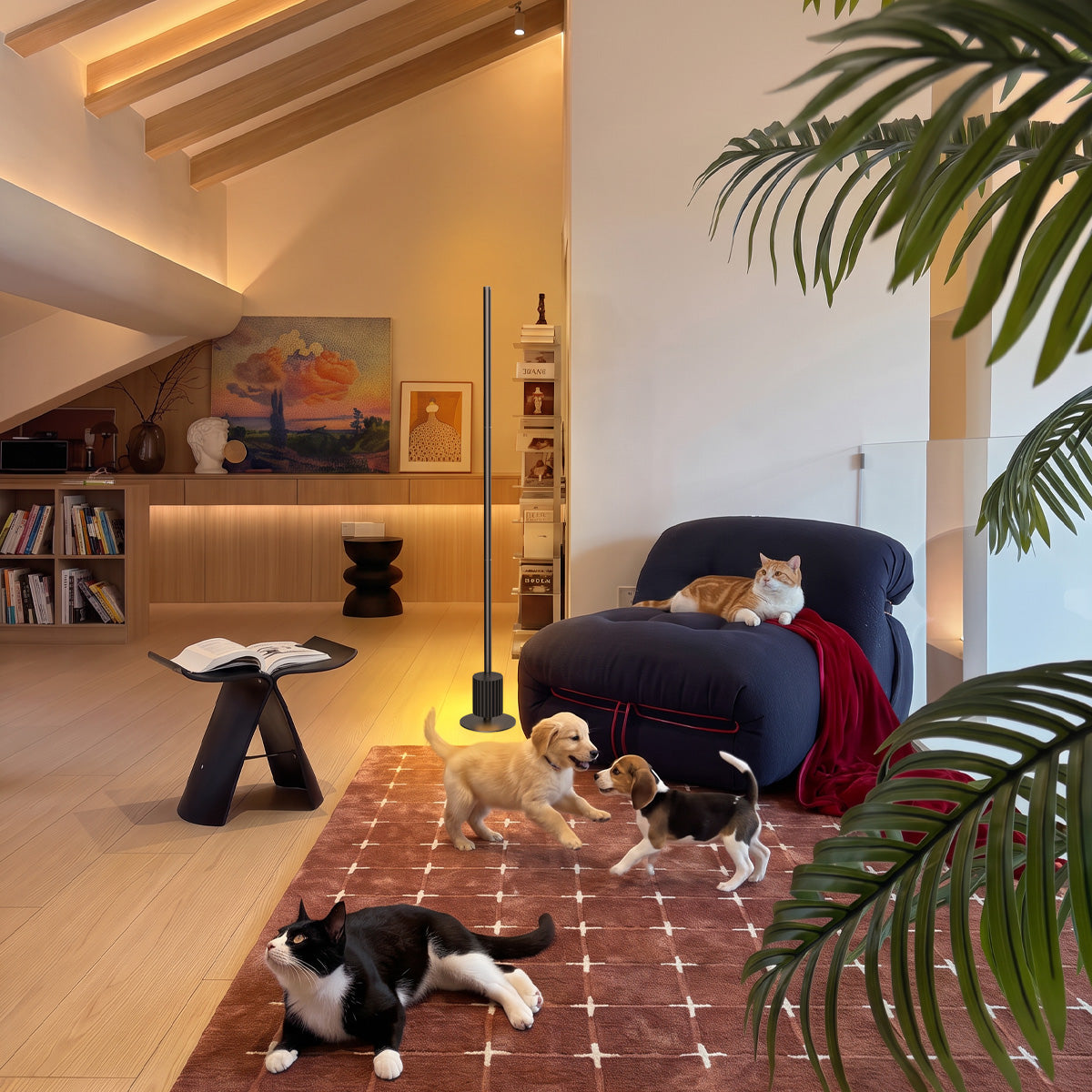
YOUR DAY, PERFECTLY LIT
One lamp, four rhythms
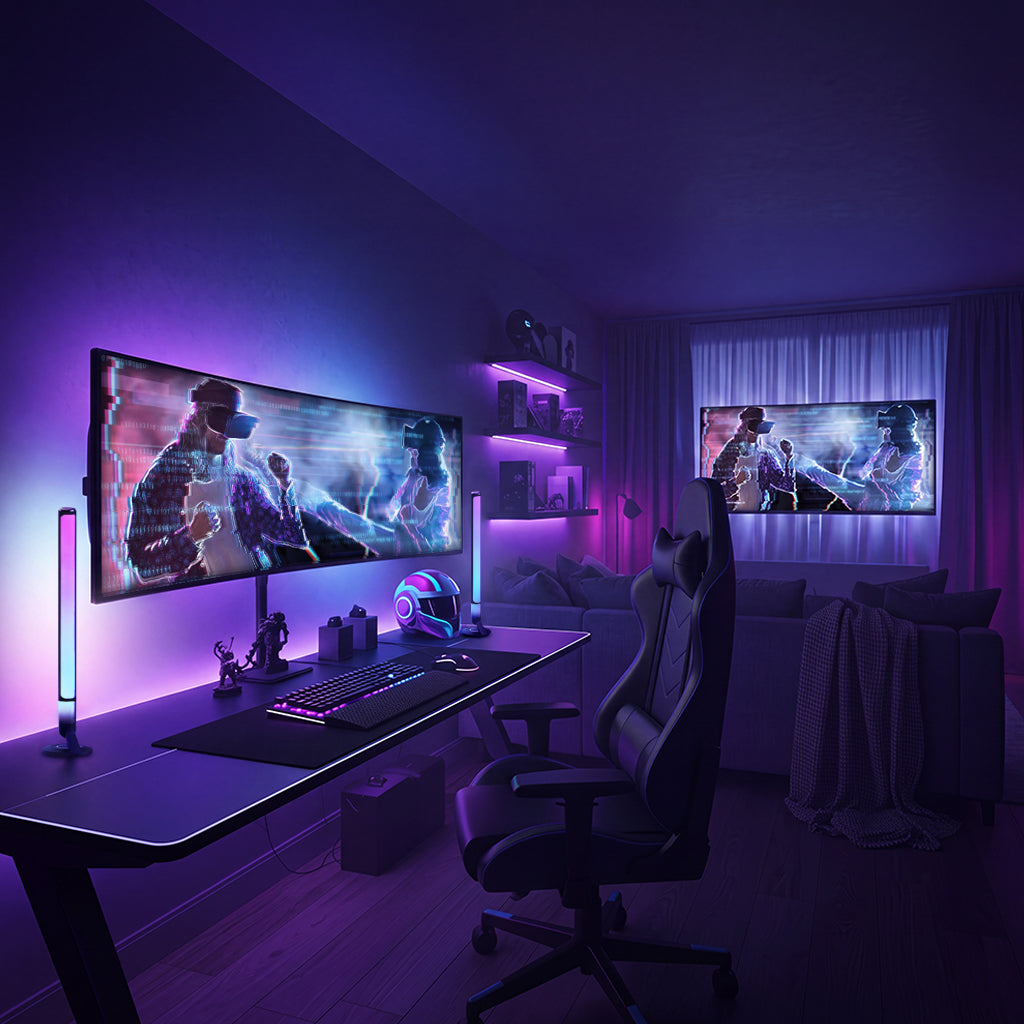
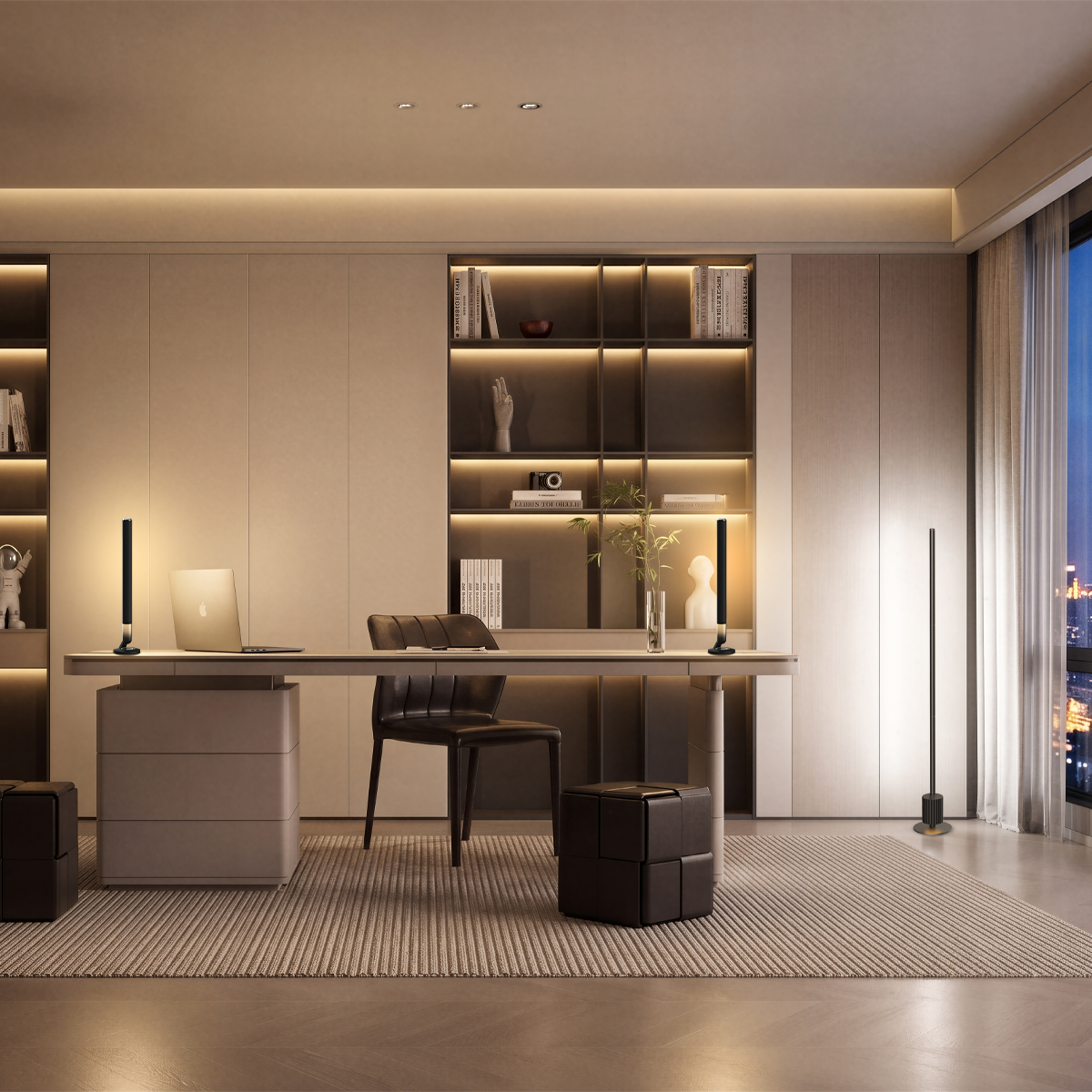
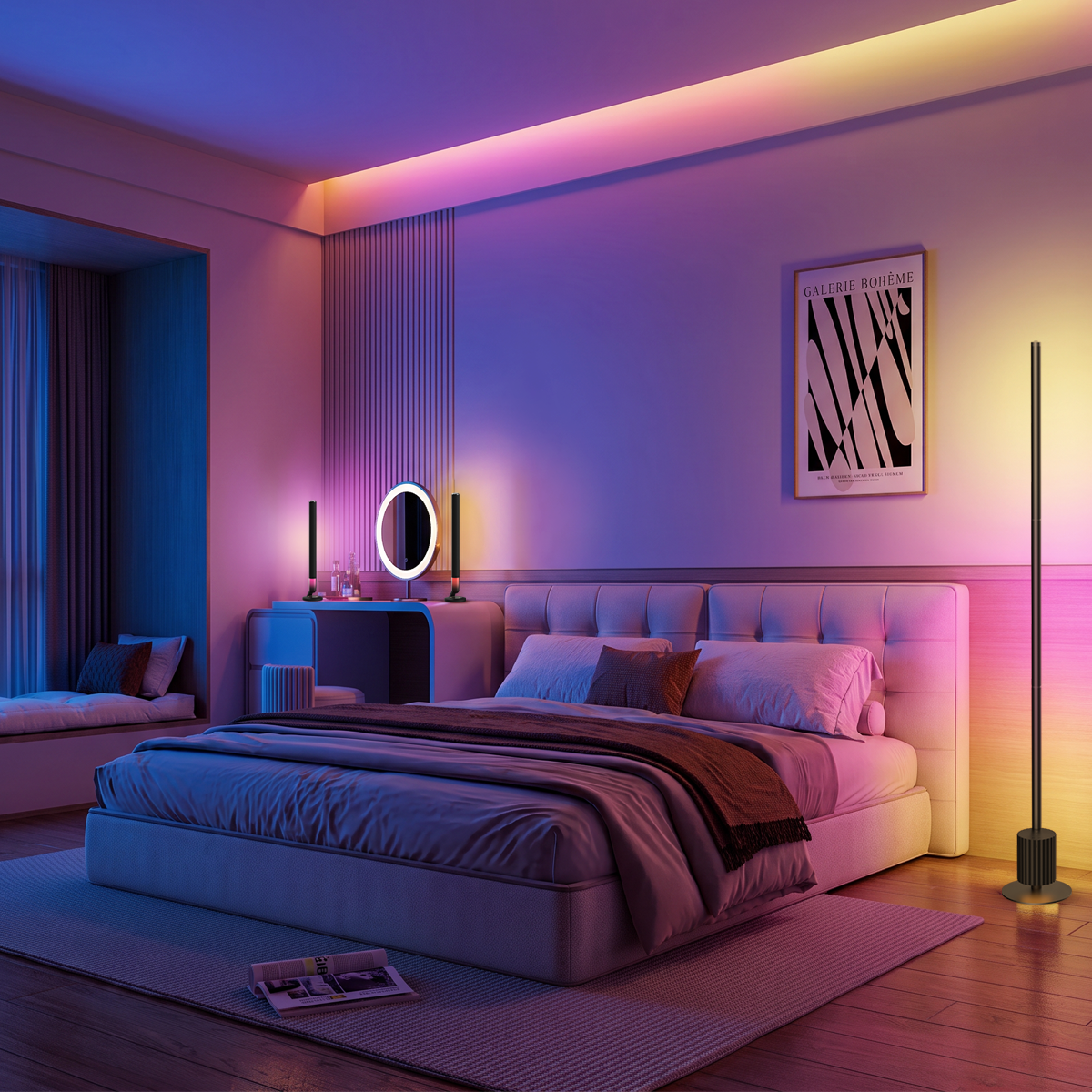
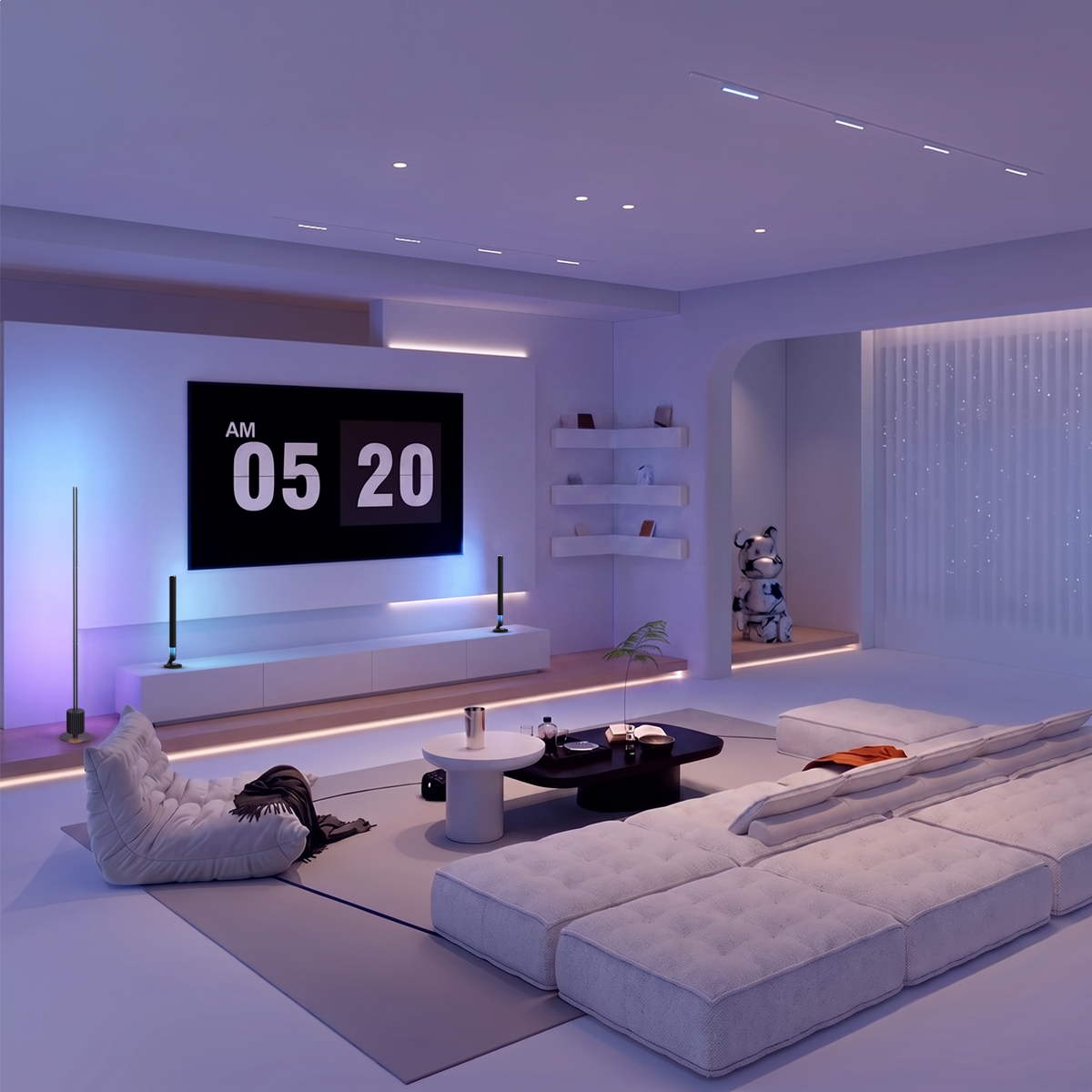
NOVA follows your body clock — cool and crisp when you need drive, warm and soft when it's time to ease off.
9:00 AM
6500K
Morning momentum
Crisp daylight white perks you up and mirrors natural morning light — ideal for planning and deep-focus blocks.
12:00 PM
5000K
Steady midday
Neutral white keeps you even-keeled through meetings and admin — clear, honest color for reading docs and specs.
4:00 PM
4000K
Afternoon ease
A softer warmth takes the edge off the post-lunch dip — still bright enough to finish, gentle enough to relax.
8:00 PM
2700K
Evening wind-down
Warm, low glow signals your brain to slow down — easier on the eyes and kinder to your sleep after hours.
Tunable white light
Accurate, consistent color across the full 2700K–6500K range — documents, sketches, and product shots render exactly right, no weird tints.
Low blue light & eye-comfort output
Designed for long sessions — warm tunable white reduces eye strain as the day goes on. That's the idea behind the Nova Desk Light Bars Pro.
Matter-native
Pairs once, works forever with Google Home and Alexa. No hub, no re-pairing, no desk-cable spaghetti.
Tunable White Range
2700K warm
4000K
5000K
6500K cool
One lamp covers the full daylight-to-evening spectrum — shift tone without swapping a bulb.
LOOK YOUR BEST ON CAMERA
The difference a front light makes
A dedicated call scene gives your video the even fill that built-in webcams can't.
CONTROL IN YOUR HANDS
Set it once. Forget it.
1
Pair
Connect once to Wi-Fi via the Nurmina app, Google Home, or Alexa — no hub required.
2
Schedule
Map light temperature to your day: bright for standup, warm for the last call.
3
Voice it
"Hey Google, focus mode" — the room shifts instantly, hands-free, mid-task.